

 Image Source: Web. Copyright claims: claims@theusefulindex.com — We will remove it in 24 hours.
For small business owners, the Point of Sale (POS) system is the backbone of daily operations. However, choosing between a cloud POS and an offline POS system requires more than just looking at price tags. The decision hinges on data sovereignty, internet reliability, reporting needs, and long-term operational costs.
This editorial breaks down the technical and financial differences to help you determine which model suits your specific business environment. Whether you run a high-volume retail store or a quiet service center, understanding these architectures is essential for scalable growth.
Understanding the Core Architectures
To make an informed choice between cloud POS vs offline POS, you must first understand how each system manages data and processes transactions.
Cloud Point of Sale (Cloud POS)
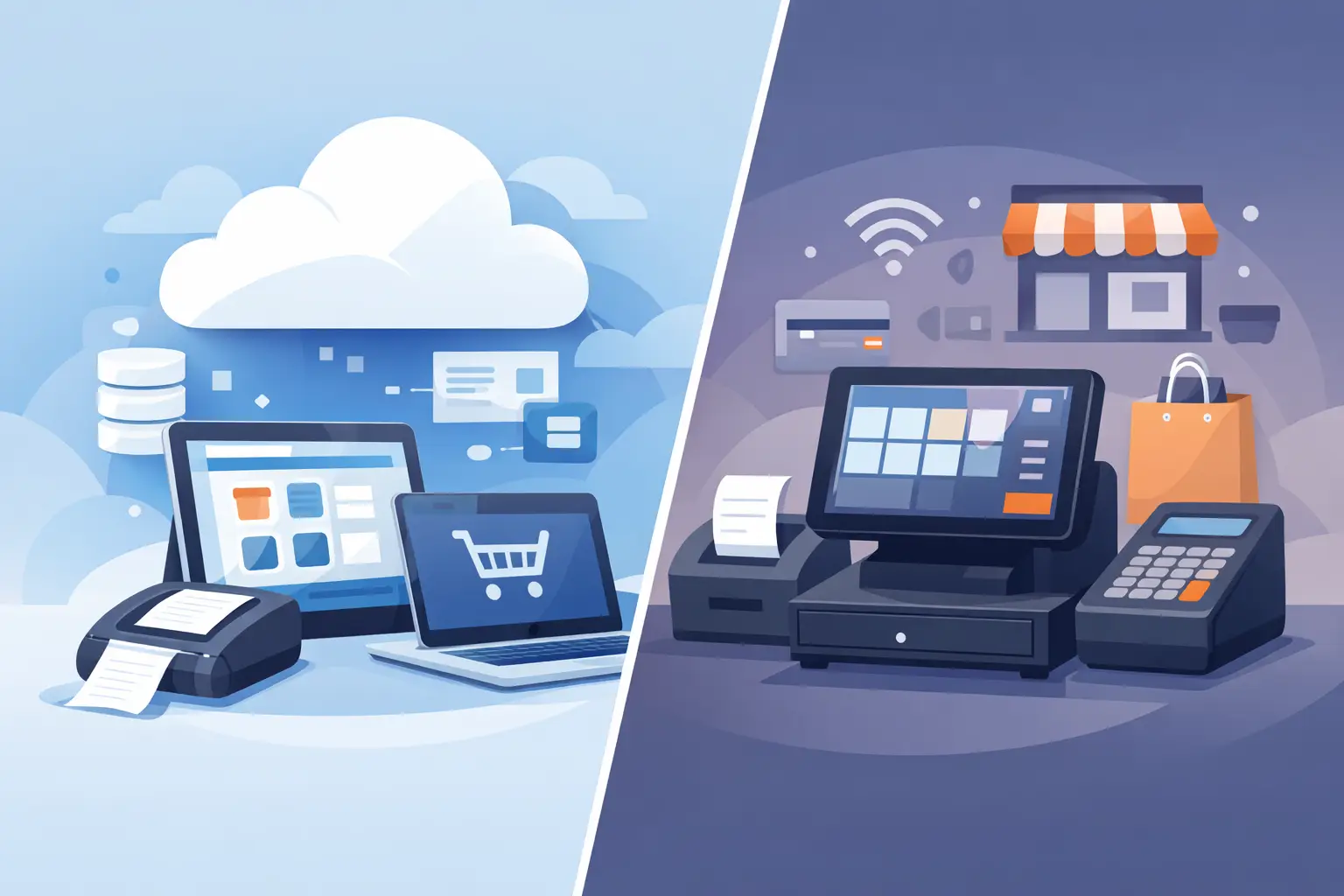
A cloud point of sale system stores business data on remote servers hosted by a third-party provider. The software is accessed via the internet through web browsers or dedicated apps on tablets, computers, or smartphones. Data synchronization happens in real-time, meaning sales made at one location instantly update inventory and financial records across all devices.
Offline POS System (Traditional/On-Premise)
An offline POS system typically refers to traditional setups where hardware and software are installed on-site. Business data resides locally on a single machine or an internal server within your business premises. While the device may connect to the internet, the core processing and storage occur locally. This model prioritizes local control over data but often requires manual backups.
Connectivity and Reliability Factors
Internet stability is the primary differentiator between these two models.
Cloud POS Dependency
A cloud POS system requires a stable internet connection to function fully. If your connection drops, transactions may pause or require an alternative payment method until connectivity is restored. However, many modern cloud providers offer “offline mode” caching. This allows staff to process sales locally during downtime and syncs the data once the connection returns.
Offline POS Reliability
An offline POS system operates independently of internet connectivity. Since data is stored locally, a business can continue processing transactions even if the ISP goes down or the router fails. This makes traditional systems preferable for locations in areas with poor internet infrastructure or high-risk power outages where backup generators are essential.
Data Management: Backups and Security
Security and data recovery protocols differ significantly between the two architectures.
Backup Strategies
- Cloud POS: The provider manages server-side backups. You generally do not need to worry about local file corruption, but you are dependent on their disaster recovery plan.
- Offline POS: You are responsible for your own data integrity. This requires a robust strategy involving external hard drives or network-attached storage (NAS) with scheduled automated backups.
Security Considerations
- Cloud POS: Security relies heavily on the provider’s encryption standards and compliance certifications. While this reduces local risk, it introduces dependency on third-party security protocols.
- Offline POS: Data remains within your firewall. This offers a sense of total control but requires you to manage firewalls, antivirus software, and physical security for the server hardware yourself.
Hardware Requirements and Costs
The financial commitment differs not just in software licensing, but in the hardware ecosystem required to support it.
Hardware Ecosystem
- Cloud POS: Often utilizes consumer-grade tablets (e.g., iPads) or smartphones running a web-based interface. This reduces upfront capital expenditure (CapEx). However, you must ensure these devices have sufficient processing power for your specific apps.
- Offline POS: Typically requires specialized terminals with built-in card readers, receipt printers, and cash drawers connected to a dedicated computer or server. These units are more expensive upfront but often designed specifically for retail durability.
Cost Structure Comparison
| Feature | Cloud POS (SaaS) | Offline POS (Traditional) |
|---|---|---|
| Upfront Cost | Low (Subscription model) | High (Hardware + Software License) |
| Monthly Fee | Recurring subscription per register | One-time license or low maintenance fee |
| Maintenance | Managed by provider | In-house IT or third-party support fees |
| Scalability | Instant (Add registers online) | Requires hardware procurement and setup |
| Data Access | Anywhere with internet access | Primarily local, requires VPN for remote access |
Reporting and Inventory Management
Inventory accuracy is a critical operational need for small businesses.
Real-Time vs. Batch Updates
A cloud POS offers real-time inventory tracking. If you sell an item in Store A, the stock count updates immediately on tablets used in Store B or your warehouse management system. This prevents overselling and streamlines restocking.
An offline POS system often requires manual inventory reconciliation or batch syncing if multiple locations exist. Without a central cloud database, managing multi-location inventory can become complex without additional middleware.
Reporting Accessibility
With a cloud point of sale, you can access sales reports from your phone while commuting or in the office. This facilitates agile decision-making regarding staffing and promotions. An offline POS system usually requires logging into a local machine to view detailed analytics, which limits remote management capabilities.
Operational Needs: Which Business Type Fits Best?
Selecting the right model depends on your specific operational profile.
Ideal for Cloud POS
- Multi-location retailers: Businesses with several branches need unified data.
- E-commerce hybrid stores: Those selling both in-store and online require seamless inventory integration.
- Remote management needs: Owners who travel frequently and need to monitor performance remotely.
- High-traffic environments: Where rapid scaling of terminals is needed without hardware delays.
Ideal for Offline POS
- Single-location boutiques: Businesses that do not require