

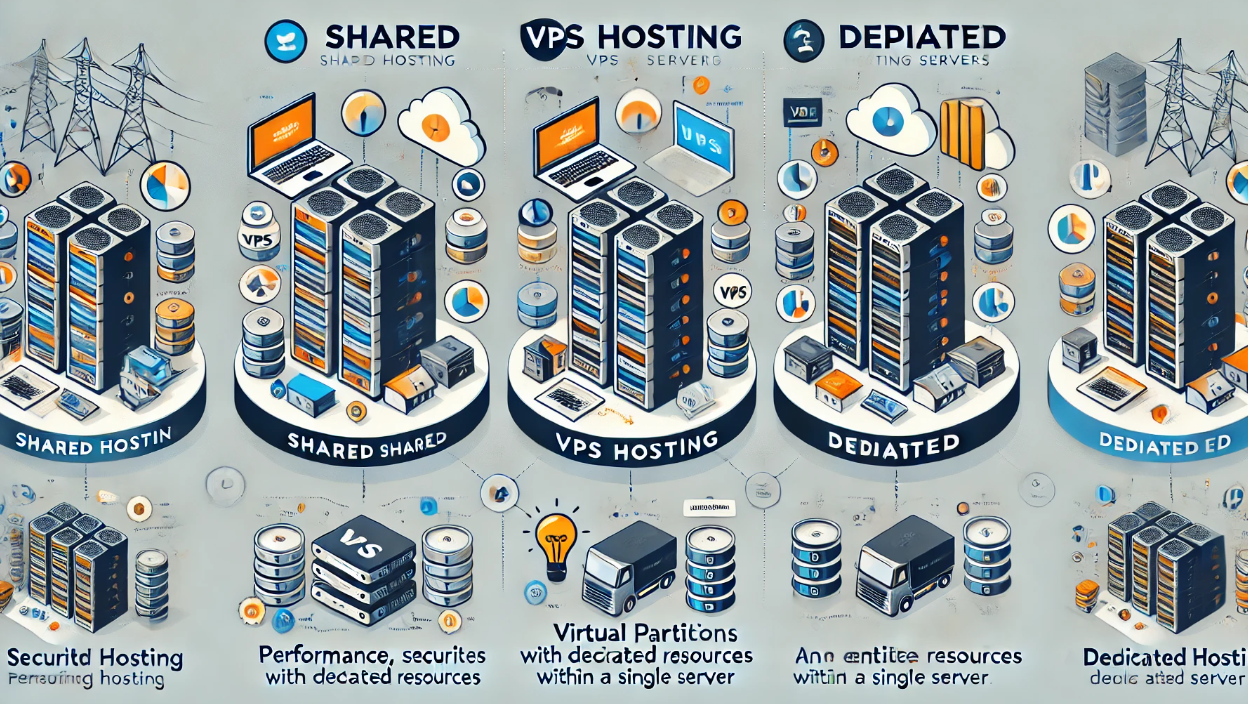
 Image Source: Web. Copyright claims: claims@theusefulindex.com — We will remove it in 24 hours.
Choosing the right web hosting infrastructure is one of the most critical technical decisions a website owner makes. The debate between VPS vs shared hosting, dedicated server vs VPS, and cloud options often leads to confusion regarding resource allocation, scalability, and cost. There is no single “best” option; rather, the correct choice depends entirely on your specific traffic levels, performance requirements, and technical expertise.
This editorial breaks down the three primary tiers of hosting—shared, virtual private server (VPS), and dedicated—to help you determine which hosting should I choose without overspending or compromising on reliability. We analyze isolation, administration responsibilities, security protocols, and budget implications to provide an evidence-based framework for your decision.
Understanding the Three Tiers of Hosting Infrastructure
Web hosting is fundamentally about how server resources are allocated and managed. The distinction lies in whether you share hardware with strangers, lease a virtual slice of a machine, or rent a physical server exclusively to yourself.
Shared Hosting: The Entry-Level Tier
Shared hosting remains the most popular option for small-scale websites. In this model, multiple websites reside on a single physical server, sharing its CPU, RAM, and storage resources.
- Resource Allocation: Resources are pooled and shared among all accounts on the server. If a neighbor’s site experiences a traffic spike, your site may suffer from latency or downtime.
- Isolation: Low. You share the operating system kernel and network stack with other tenants.
- Administration: Managed by the provider. Users typically access a control panel (cPanel/Plesk) without root access.
- Security Responsibilities: The hosting provider manages server-level security patches and firewalls.
- Backups: Usually included in the base plan, though restoration speed may vary based on queue depth.
- Support: Ticket-based support with varying response times.
- Costs: Lowest entry price point (often under $5/month).
- Best Use Cases: Personal blogs, portfolio sites, small business landing pages, and hobby projects with low traffic.
VPS Hosting: The Middle Ground
A Virtual Private Server (VPS) utilizes virtualization